3. Business Apps
3.1 Automatically installed Apps
On your device you can find the Company Portal app (Com.portal) as pre-installed business app.
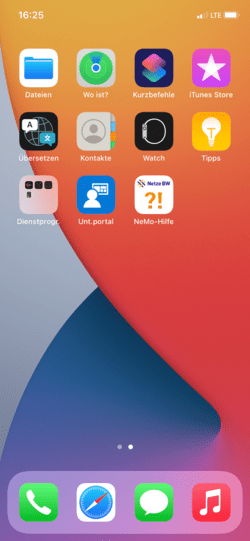
3.2 Search apps via Company Portal
Open the Company Portal app. In the Apps tab, you can search for apps.
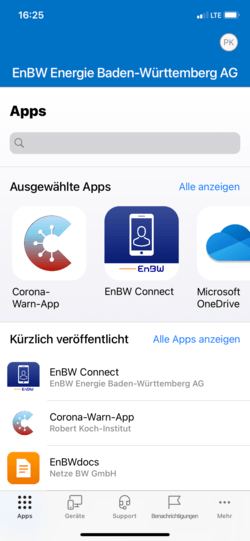
3.3 Install App
Select the desired app and then tap Install. After a short time, you will see a message about the app installation "EnBW AG will install and manage the app from the App Store... ". Confirm the message with Install. The app will then be installed on your smartphone.
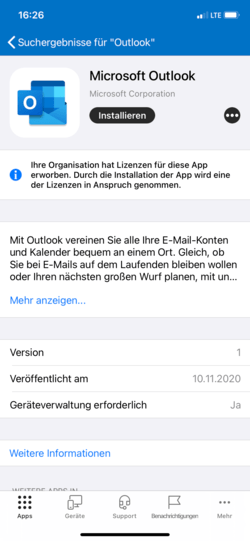
3.4 Setup completed
The business profile is now enabled and device set up has been completed. Repeat the previous steps in this chapter to install more business apps.
Note
If you have any questions or problems, please contact the IT Support.