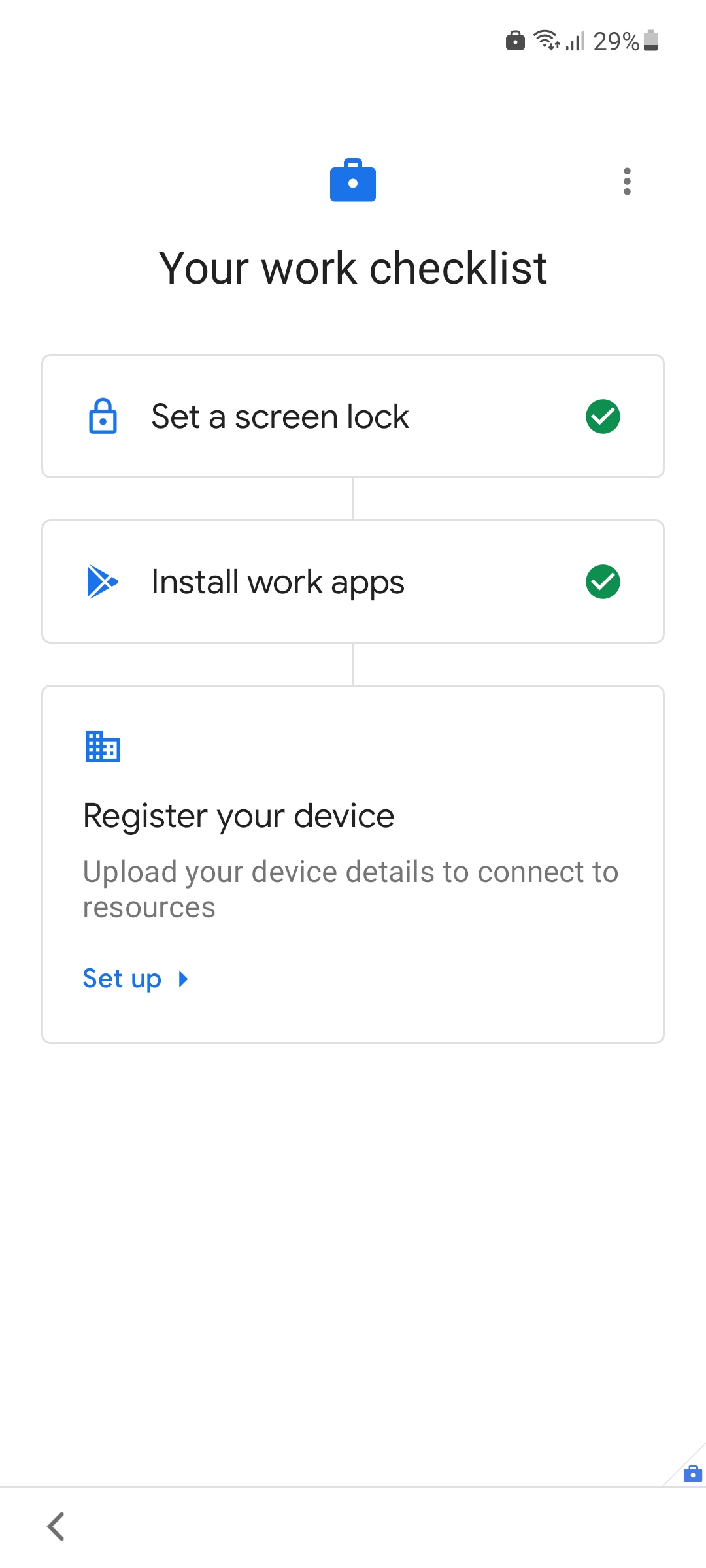
4. Set up device for work
4.1 Configure screen lock
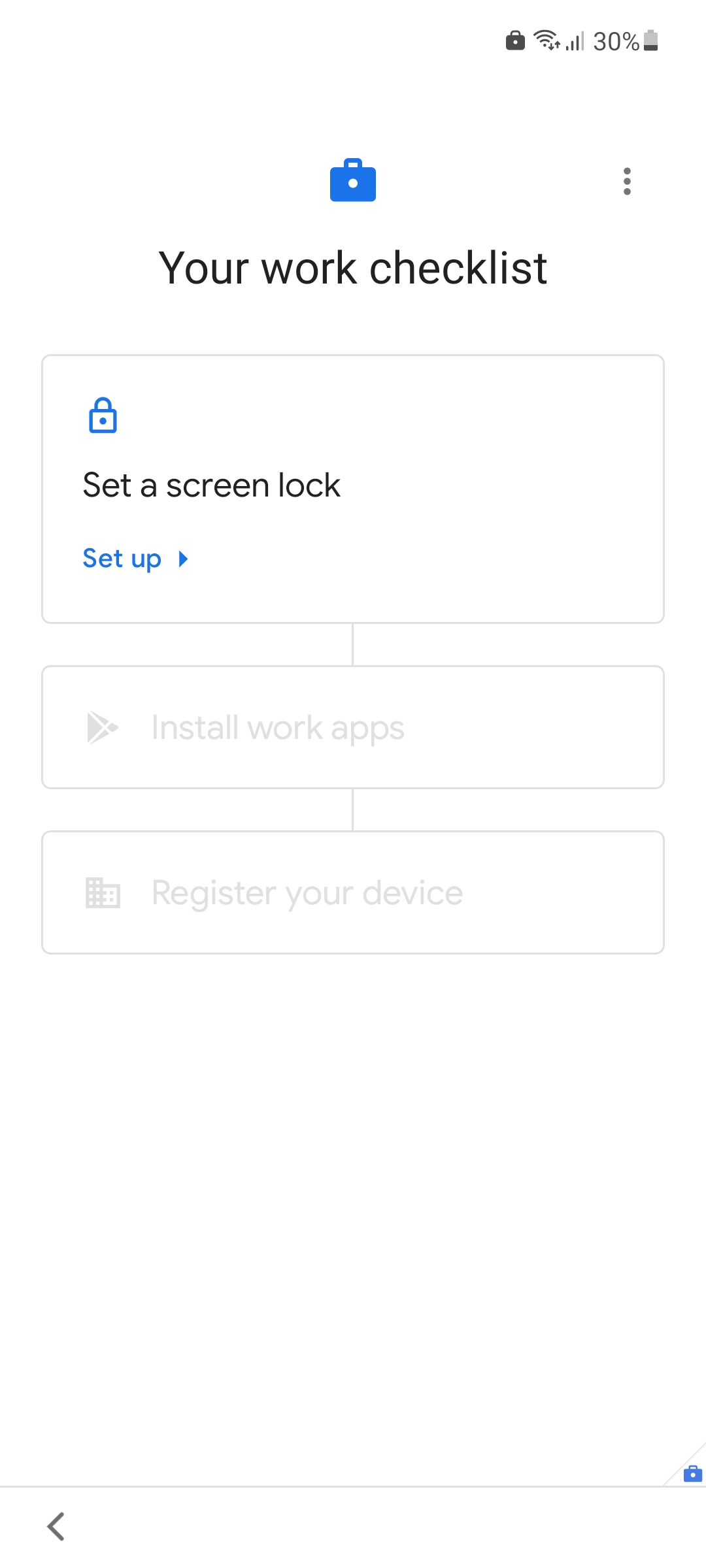
Tap Set up > to set up the screen lock.
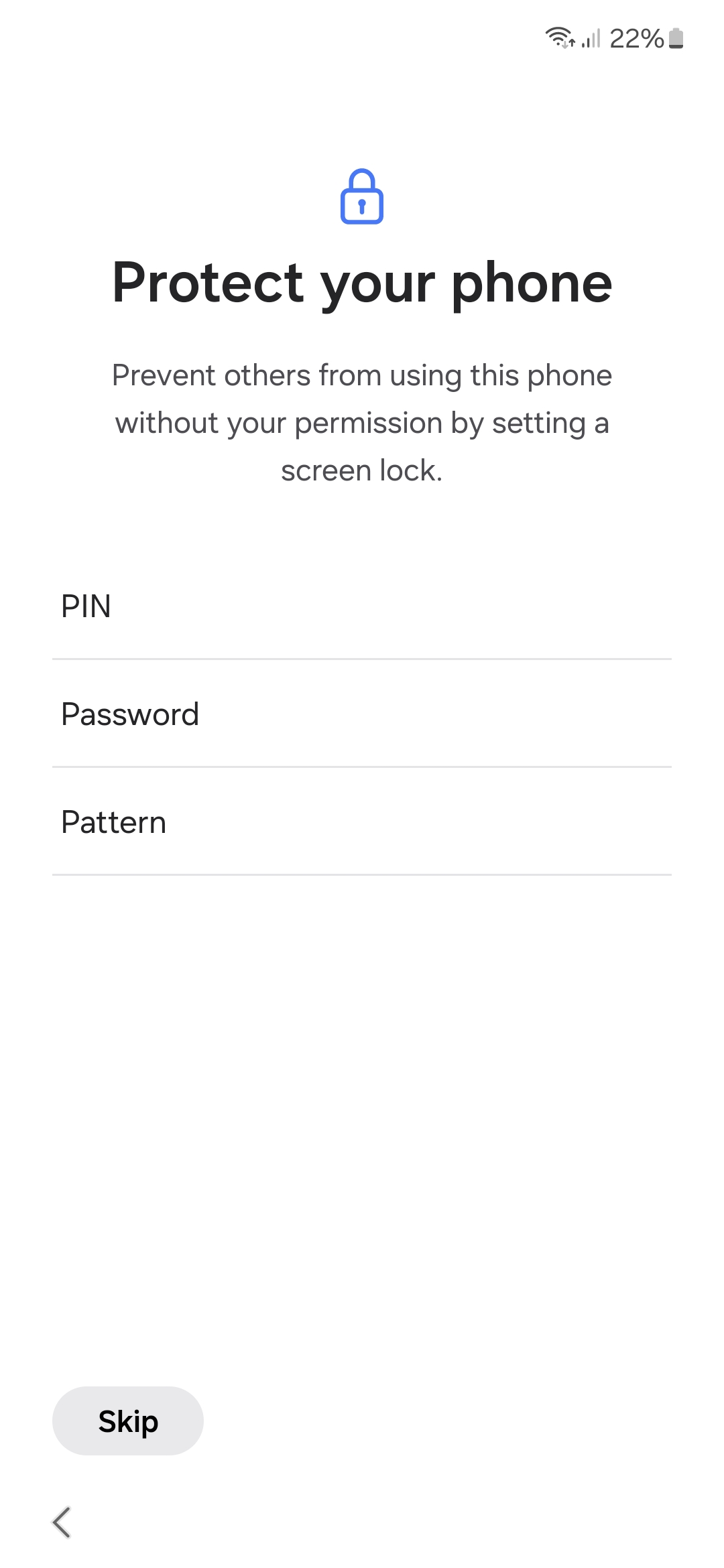
Select PIN if you want to use a numeric password or Password if you like to unlock your device with an alphanumeric password. You can additionally add your fingerprint to unlock the device later.
Enter your PIN and follow the displayed instructions. Confirm at the end with OK.
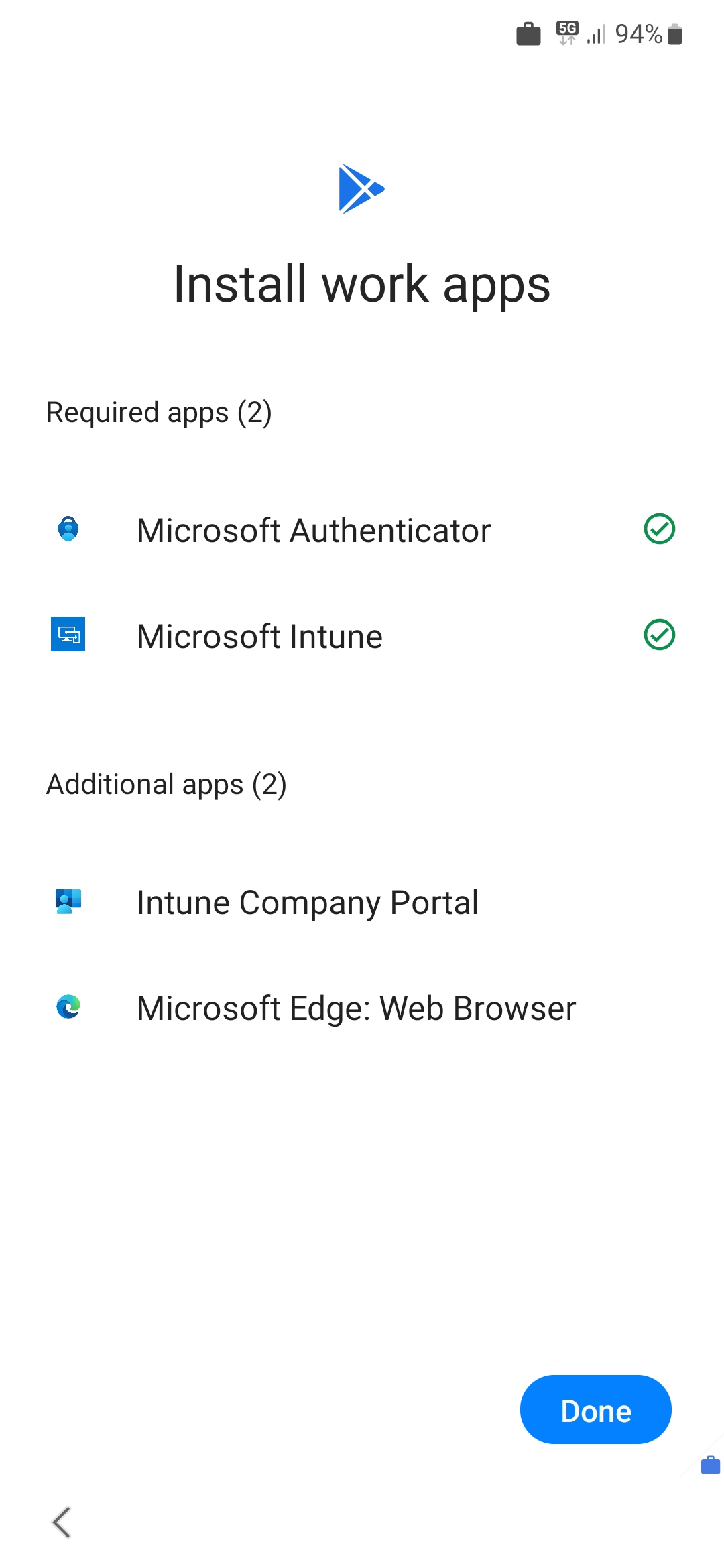
4.2 Install work apps
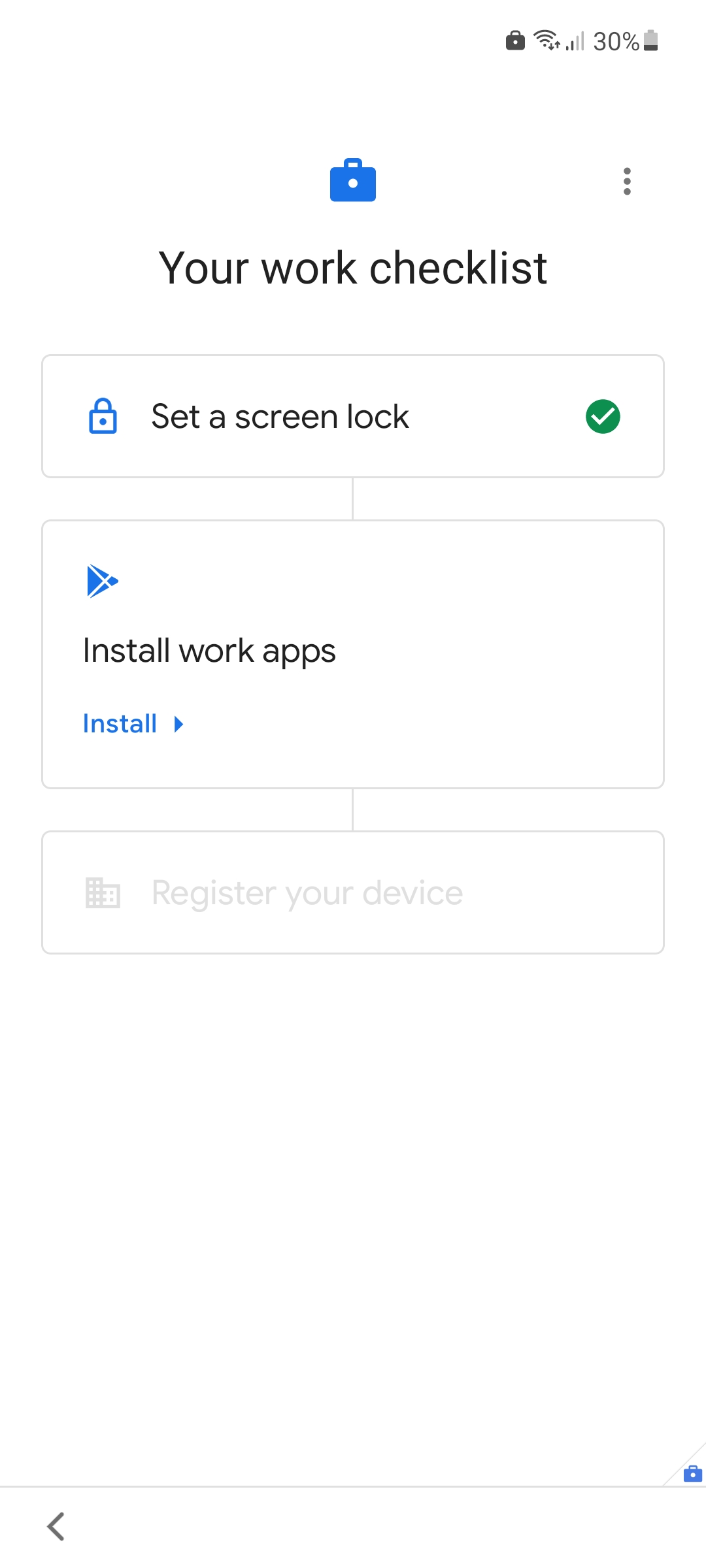
Tap Install >.
Wait until all apps are installed under Required Apps and then tap Done.
4.3 Register device
Your device will now be registered with the EnBW infrastructure. To do this, tap on Set up >.