1. Unlocking the SIM card
1.1 Insert SIM card and unlock
Insert your SIM card into the device and switch it on.
You do not have a SIM card?
If you did not receive a SIM card with your device, please start here.
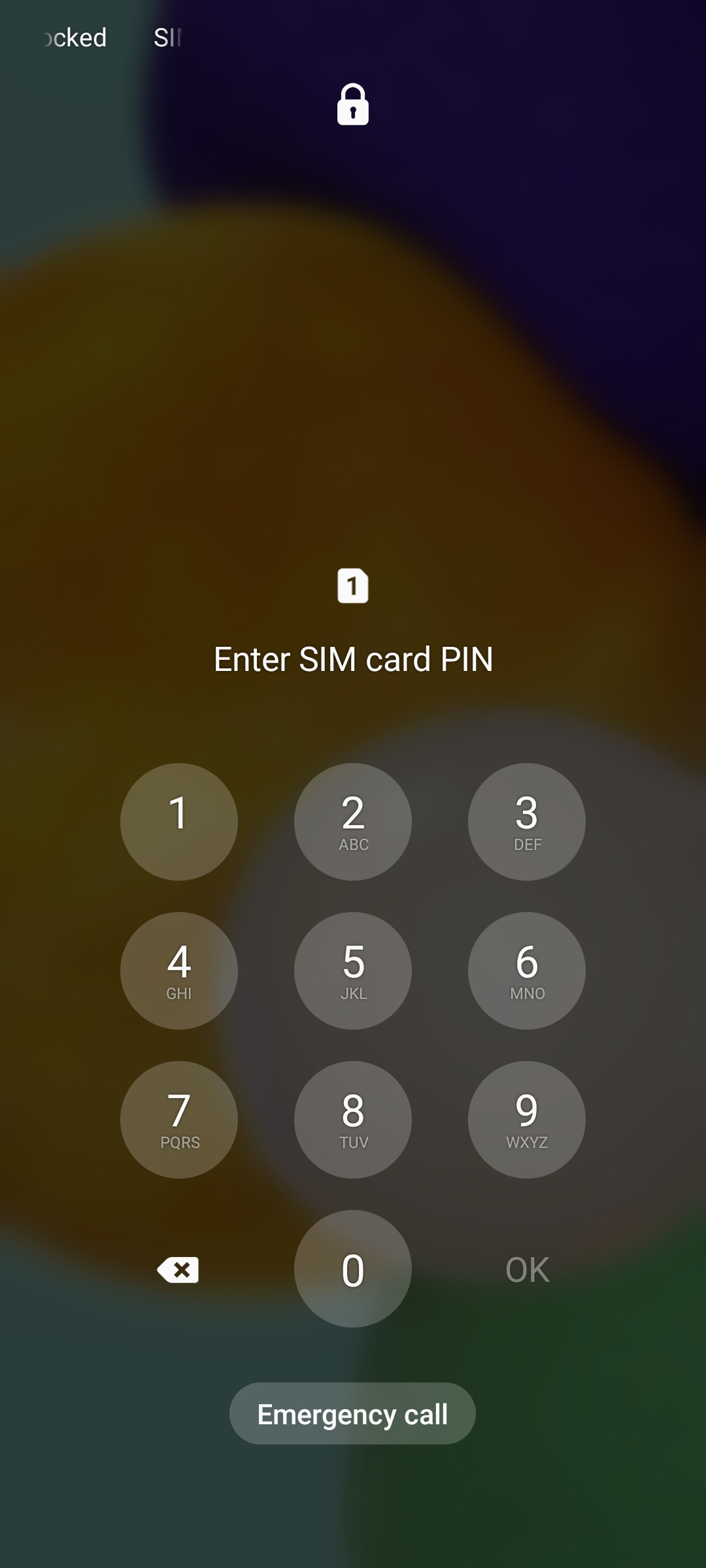
Then enter the SIM PIN and tap OK.
Insert your SIM card into the device and switch it on.
You do not have a SIM card?
If you did not receive a SIM card with your device, please start here.
Then enter the SIM PIN and tap OK.